
For later, not never.
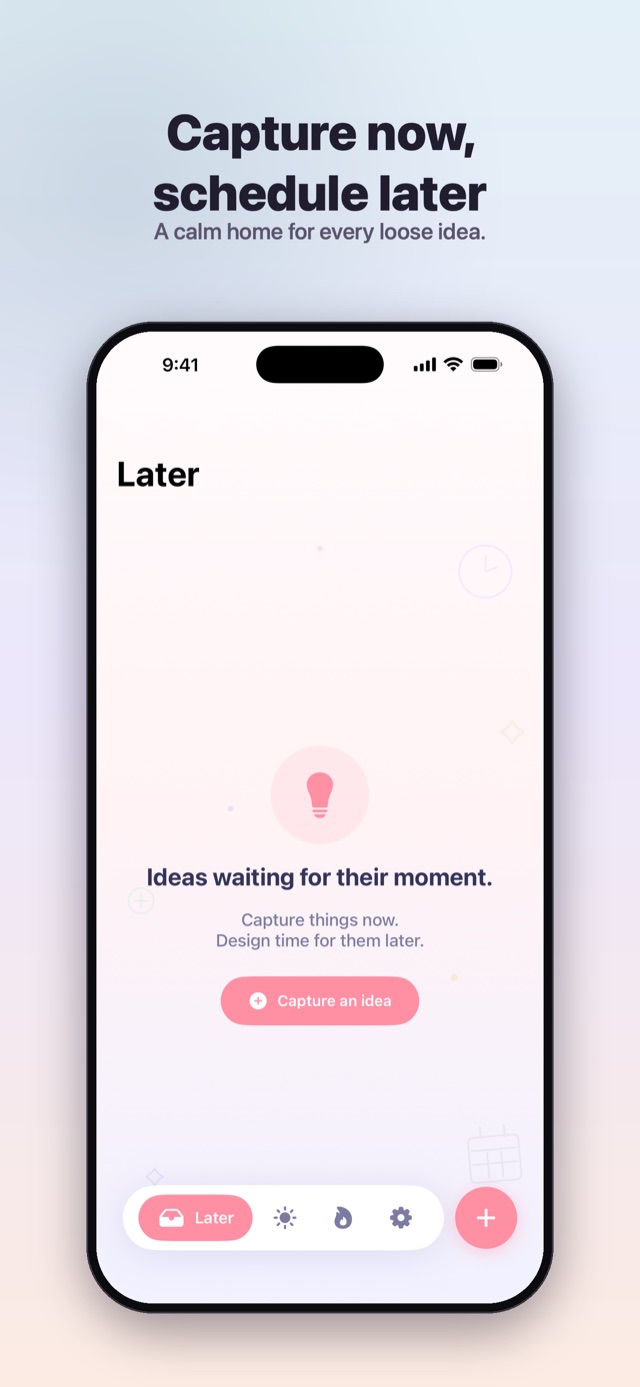
Every loose idea drops into a calm Later inbox. Capture things now — design time for them when you're ready. Nothing gets lost, nothing nags.
A quiet truth
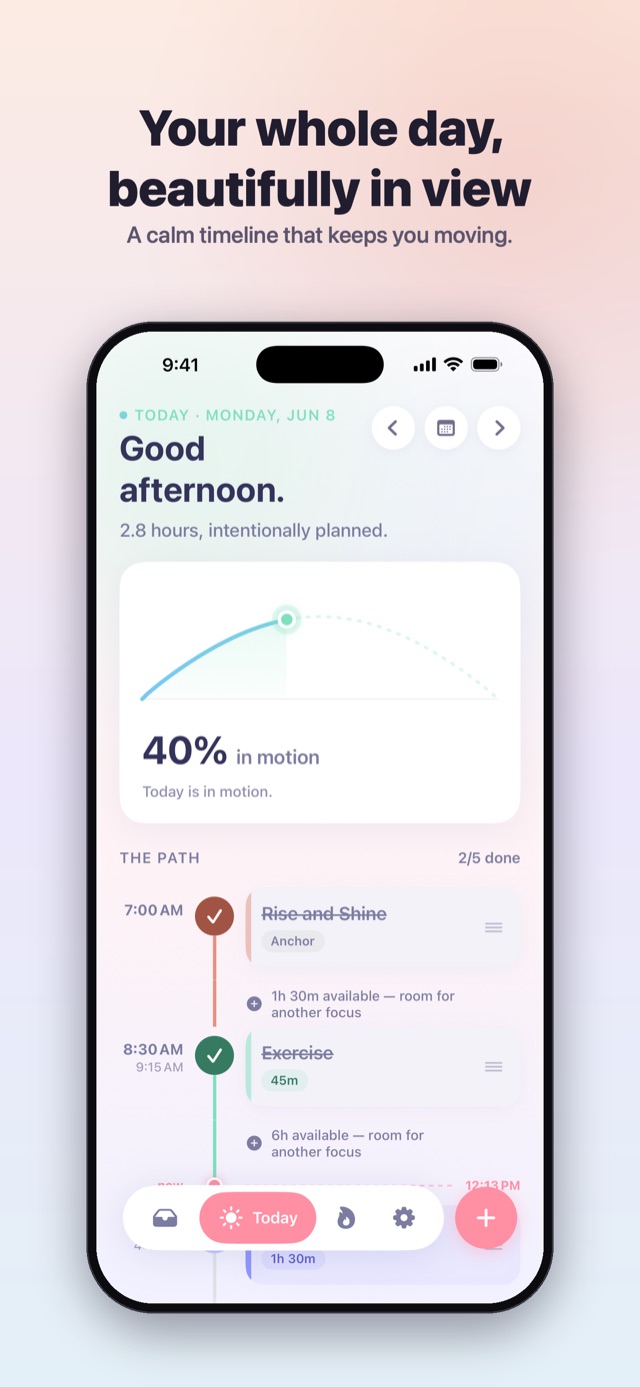
Tickd gives your day space. One calm path instead of a pile, gentle momentum instead of pressure, and an AI that turns “plan my afternoon” into a real schedule.

Free to download · No account needed · iPhone, iPad & Apple Watch
The idea
A list is a pile — the same swirl you just watched. Tickd turns the pile into a path.
This is what the AI does with your pile — in about a second.
The path
In Tickd, every task is a station on today's line. Tick one and the path fills in its colour — you can feel the day moving.
Watch the day move — or tap a station to take over.
Your day is ready. Tap a station to begin.
In the app: drag any station to reschedule — a floating time pill rides along and the day reflows live.
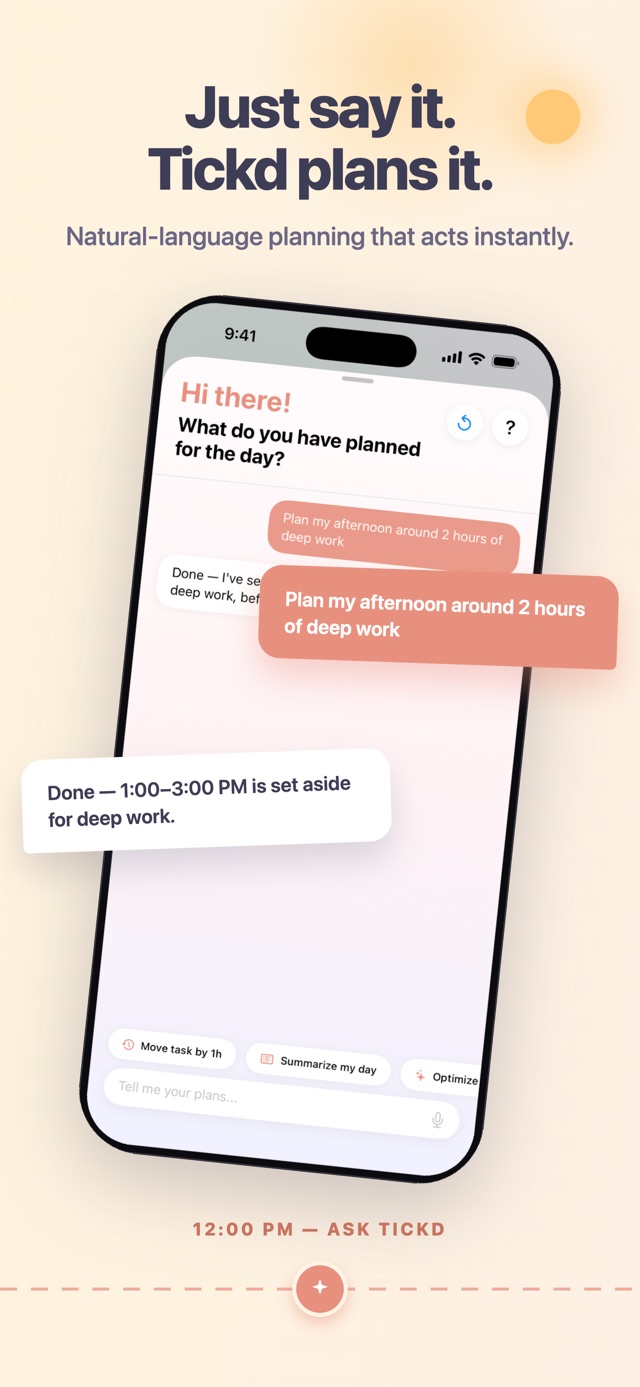
Just say it
Type it or speak it — “plan my afternoon around two hours of deep work” — and the assistant builds real, scheduled blocks around your energy. No forms, no fiddling.
Your request goes out with today's task titles and times, so the plan fits the day you actually have — never your notes, name, location or contacts. Nothing is used to train models.
Your rhythm
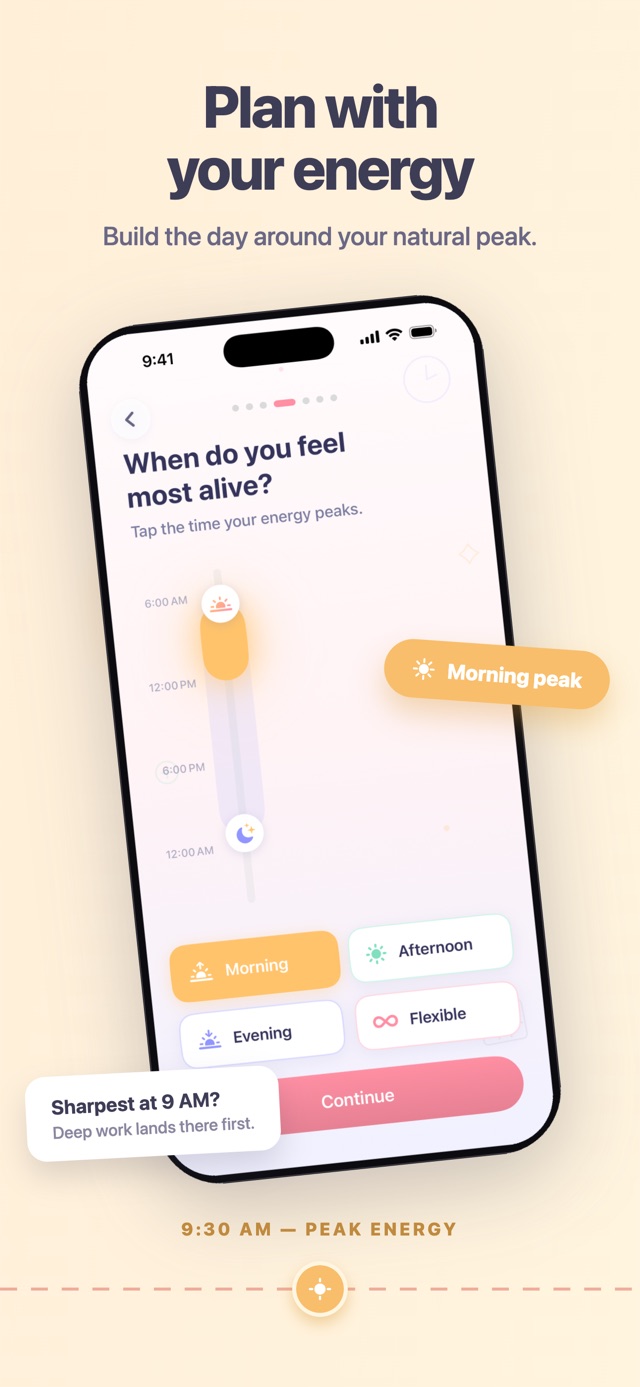
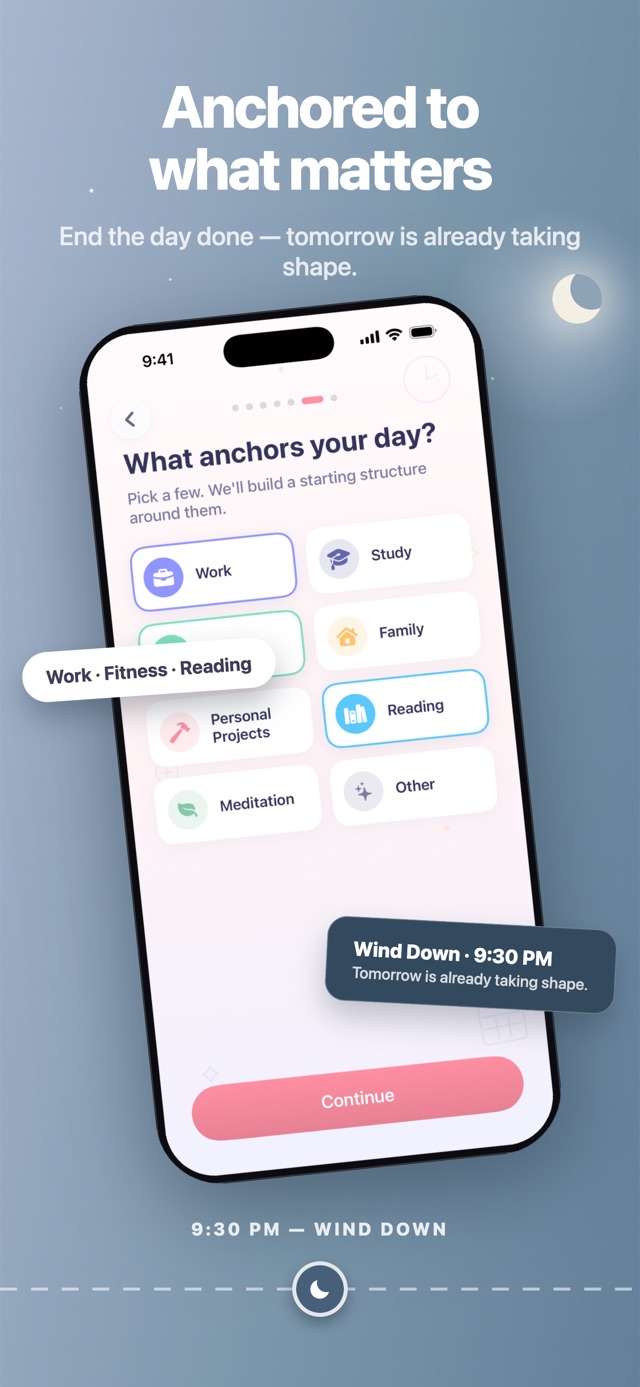
Tickd starts by learning the shape of your day. These two moments from onboarding are real — try them.
Every day has a different shape — grab the sun or the moon to set yours.
Morning lark or night owl — tap to pick your own peak.
Deep work gets scheduled into your afternoon peak — and protected there.
Momentum
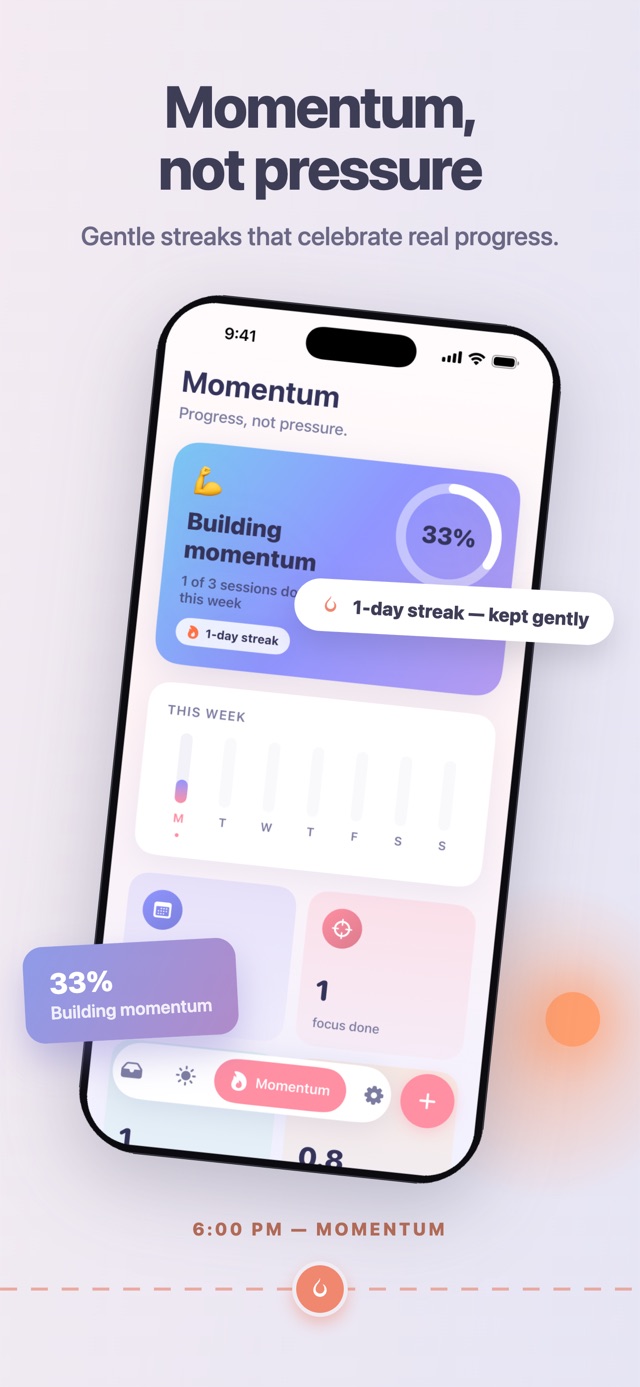
No guilt graphs, no red alerts. Gentle streaks celebrate real progress, a star marks a perfect day, and an off day never burns the week down.
Each bar is one day. The star is a perfect one.
Three more stops before the terminus. The line knows the way — just keep scrolling.
Every loose idea drops into a calm Later inbox. Capture things now — design time for them when you're ready. Nothing gets lost, nothing nags.
A native Apple Watch app keeps today a glance away — your path, the assistant and the Later inbox, synced two ways with your iPhone.
No sign-up, no name, no email. Your day lives on your device and syncs over an encrypted connection to an anonymous account — and you can delete that account, and everything on our servers, from Settings whenever you like.
Slide through — like everything in Tickd, it moves.
Pricing
The path, momentum, the Later inbox, anchors and the Apple Watch app are free forever — plus up to 10 AI plans every week.
$0
Unlimited AI planning
Payment is charged to your Apple Account at purchase confirmation. Subscriptions renew automatically unless cancelled at least 24 hours before the end of the period; manage or cancel anytime in your Apple Account settings.
No login, no sign‑up — open Tickd and start planning. Behind the scenes it creates an anonymous account on our own servers so your tasks reach your other devices; it never asks for a name, email or phone number. Adding an email and password later is optional, and only so you can open the same planner in a browser.
Your tasks live in the app on your device and sync over HTTPS to Tickd's own servers so your other devices stay current — not through iCloud or CloudKit. In Settings, “Delete account and data” wipes everything from our servers and from the device. It's immediate and it can't be undone.
The planning text you type or say, plus recent messages for context, goes over HTTPS to our servers, which pass it to an enterprise AI service. So that the plan fits your real day, the request also carries the titles, times and durations of today's tasks and the titles in your Later inbox. It never carries your task notes, name, email, location, contacts or photos, and none of it is used to train models.
Not across other companies' apps or websites — there are no ad or attribution SDKs in Tickd. It does use Mixpanel to count product events, like which screens get used and where onboarding drops off, tied to a per‑install id rather than to you. Your tasks and their contents are never sent to Mixpanel.
Tickd runs on iPhone and iPad (iOS 18+) with a native, two‑way‑synced companion app for Apple Watch (watchOS 10+).
Yes, anytime. Tickd Pro subscriptions are managed entirely through your Apple Account in Settings, the same as any other App Store subscription.
Last stop · Wind Down
Plan calmly. Move steadily. That's Tickd.
Free to download · No account needed · iPhone, iPad & Apple Watch